Platformer Playground
Build It. Play It. Fix It. Make It Yours.

Platformer Playground is a browser-based game-design studio where students create, playtest, revise, and share their own 2D platformer levels.
Rather than beginning with code, students start with the part that makes games meaningful: deciding how the game should look, feel, and behave.
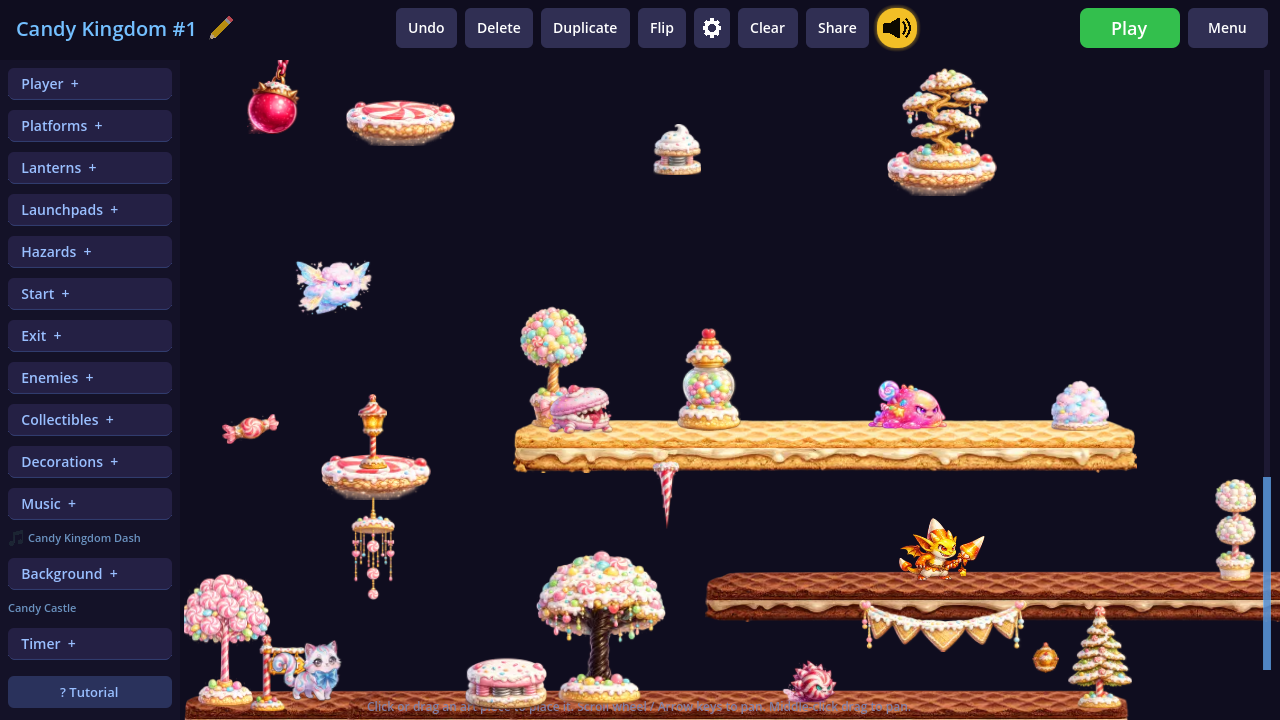
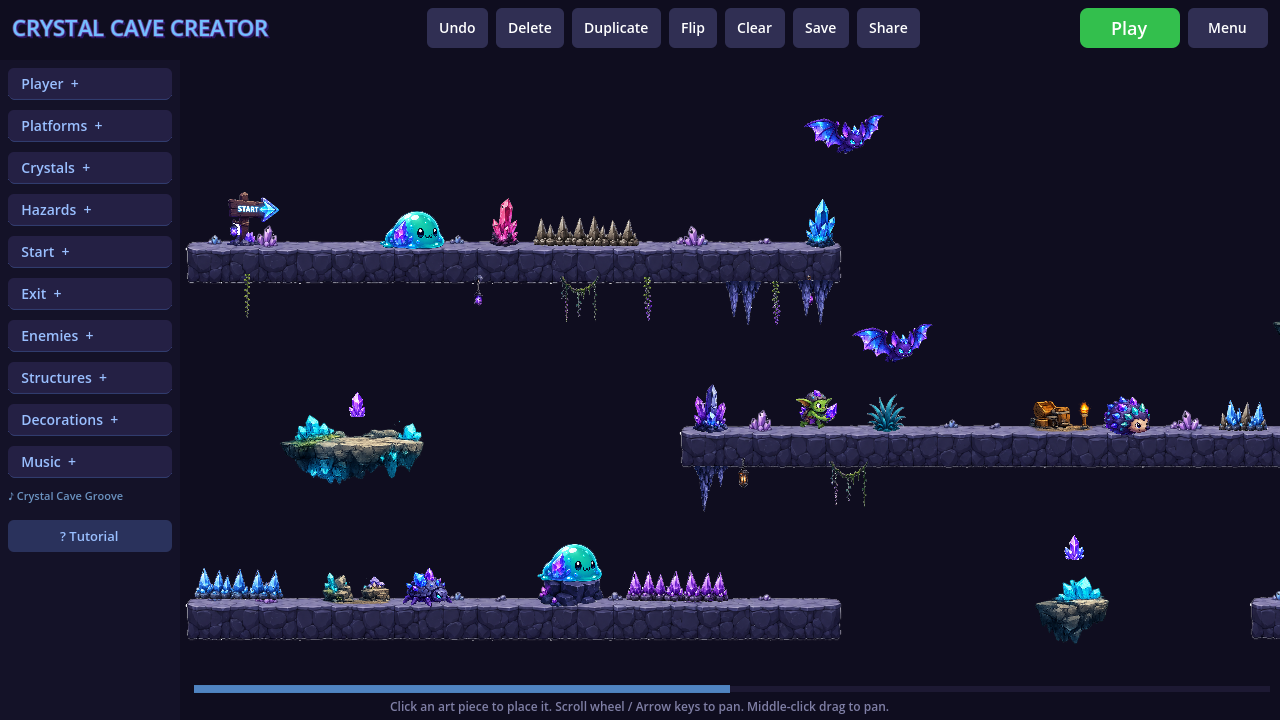
Students can place platforms, enemies, moving objects, hazards, collectibles, decorations, and an exit. They can then immediately play their level to see whether it works.
Older students can go deeper by changing object behaviors, movement speed, patrol distance, game rules, and other mechanics.
The goal is not simply to make a level that looks good. Students must build something playable, test their ideas, identify problems, and improve their design.
Platformer Playground is currently in active development. Crystal Cave and Candy Kingdom are fully playable, with eight additional game worlds planned. Feedback from players, families, educators, and game designers is welcome.
Playable Game Worlds
Each game world introduces a different level-design challenge, objective and collection of interactive object.
Crystal Cave
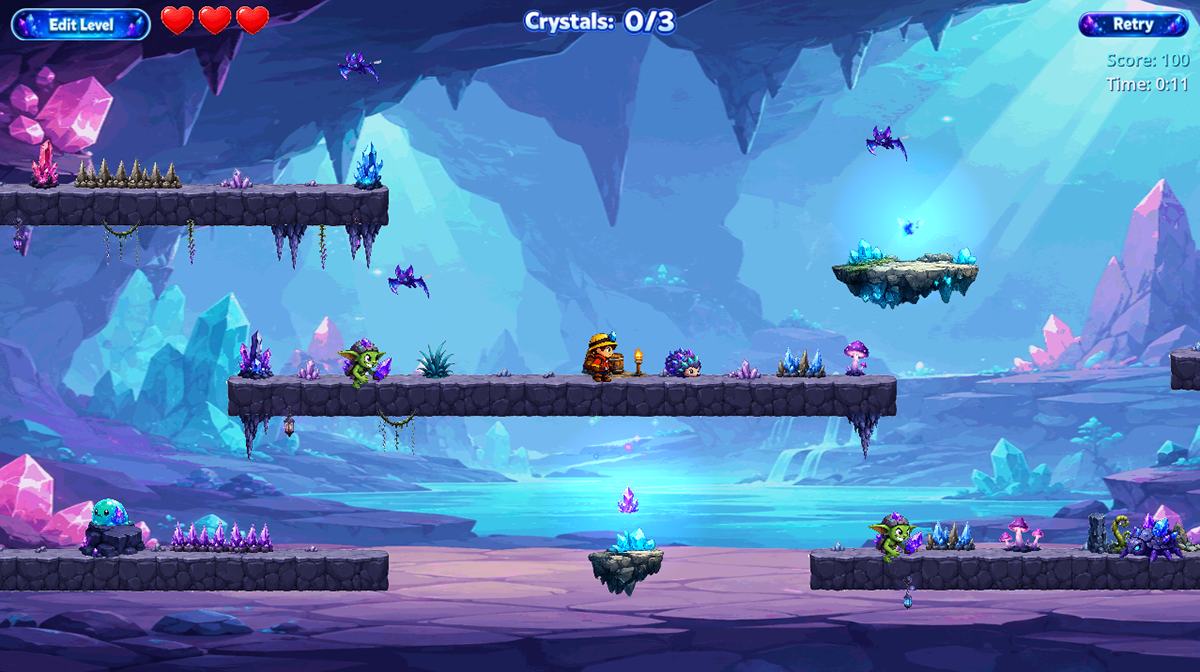
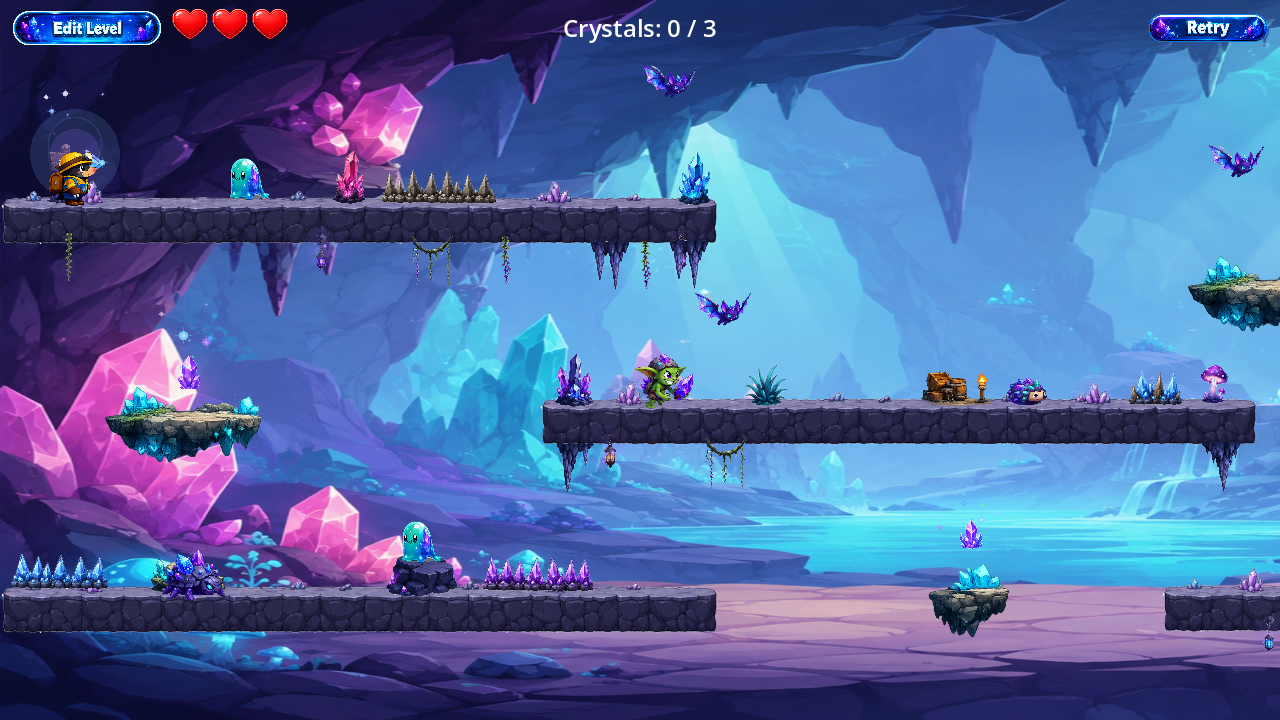
Players must collect three crystals before the exit opens, but the student decides how that challenge is designed.
- Will the crystals be hidden?
- Will enemies guard them?
- Will the player need to use moving platforms?
- Will the level reward careful exploration or fast movement?
Every level can be different.
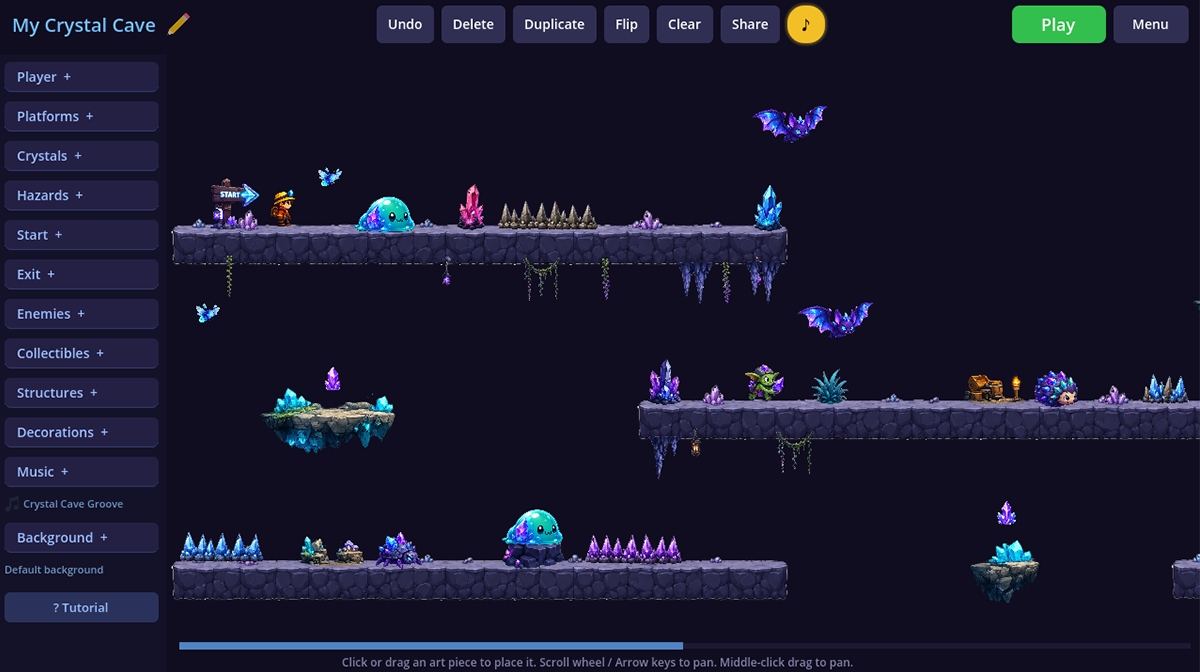
Candy Kingdom
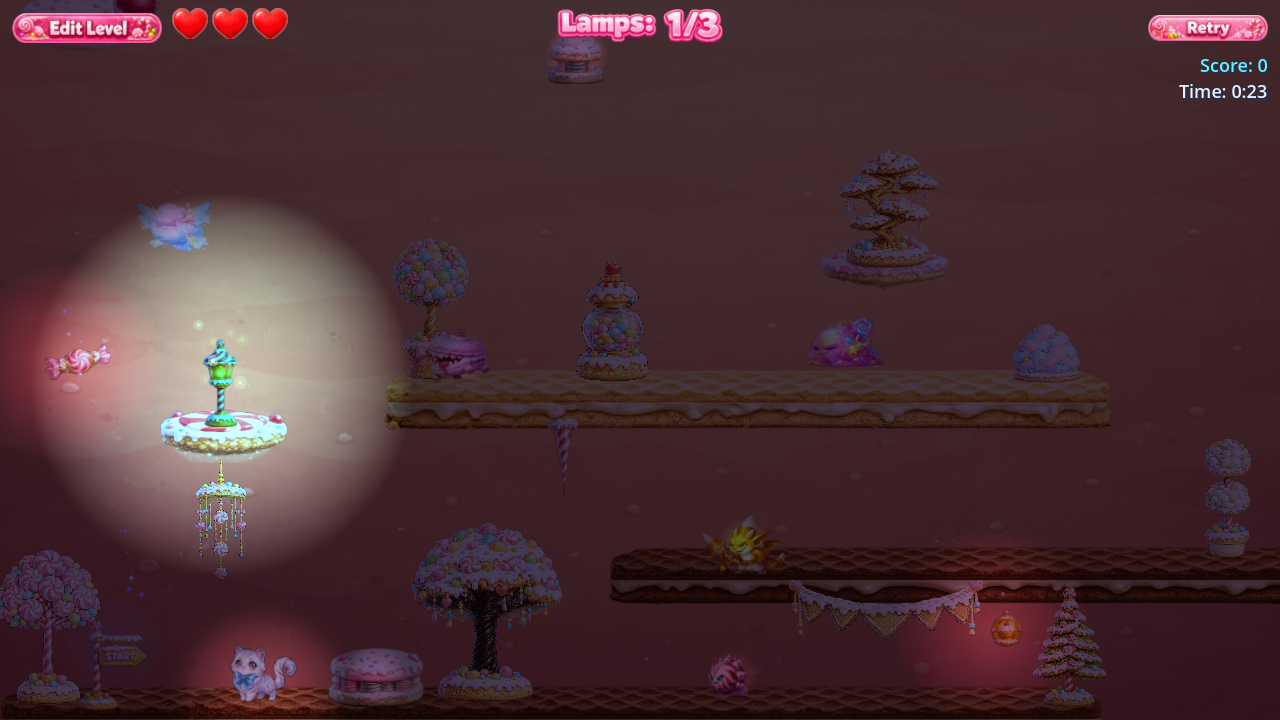
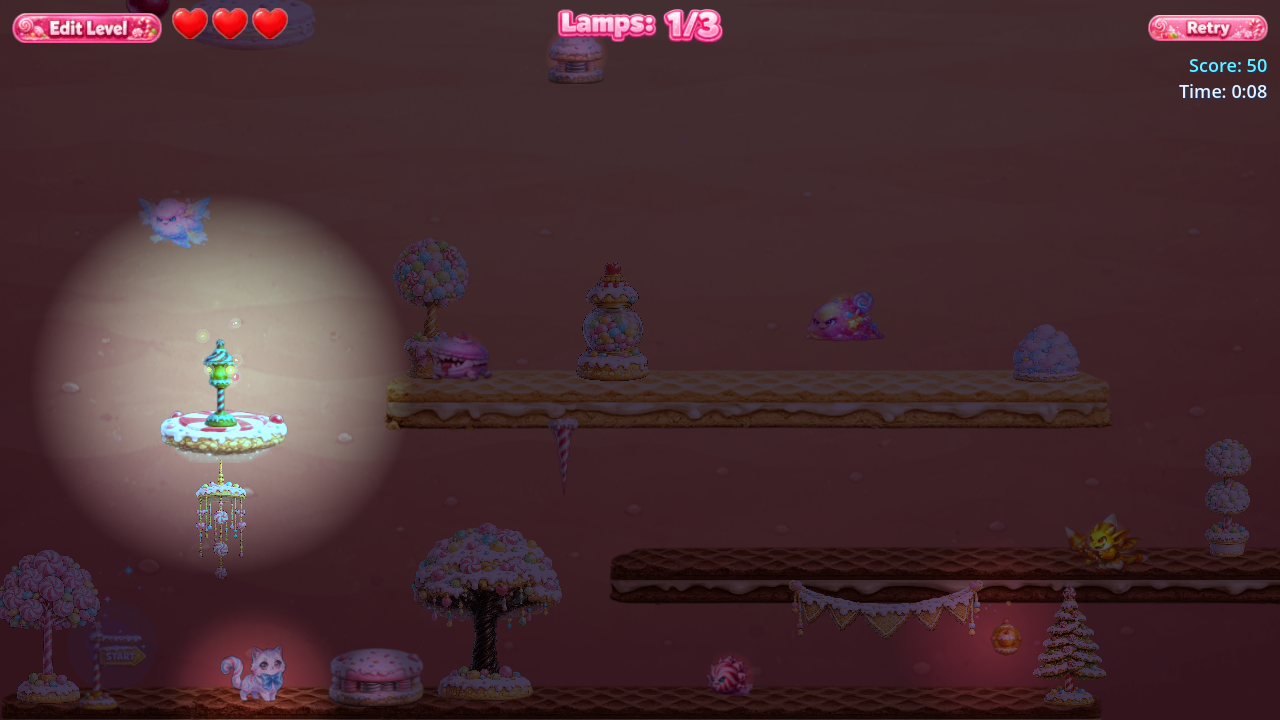
Candy Kingdom challenges students to build upward, rather than designing only from left to right. Players can create vertical routes using floating platforms and adjustable launchpads that send the character higher into the level.
The kingdom begins in darkness. Players must find and light three magical candy lanterns. Every lantern brightens the world a little more, providing immediate visual feedback as the player progresses. Once all three lanterns are glowing, the candy castle door opens and the level can be completed.
Candy Kingdom introduces:
- Vertical platformer level design
- Adjustable launchpads and bounce mechanics
- Three lantern objectives
- A world that gradually brightens as lanterns are lit
- Candy-themed enemies, hazards, collectibles, platforms, and decorations
- A castle exit that opens after all three lanterns are activated
Through Candy Kingdom, students practice designing vertical progression, connecting layered routes, controlling player movement, placing multiple objectives, and using environmental changes to communicate progress.
Designed for Different Grade Bands

Platformer Playground is being developed with age-appropriate tools and complexity for three grade ranges.
Grades K–3
Younger students focus on:
- Dragging and placing objects
- Creating a clear beginning and ending
- Building a playable path
- Experimenting with cause and effect
- Testing and improving their ideas
The interface uses large tools, simple choices, and guided narration.
Grades 4–5
Students gain more control over how objects behave, including:
- Moving platforms
- Enemy patrol distance
- Movement speed
- Obstacle behavior
- Object size, rotation, and direction
- More advanced level challenges
Students begin working with rules, variables, and systems without needing to write code.
Grades 6–8
The oldest grade band is designed to introduce deeper game logic and computational thinking.
Students will be able to explore how events, conditions, actions, and variables control the game while still working inside a visual design environment.
Guided Tutorial

When students begin a new level, a narrated tutorial automatically walks them through the editor.
The tutorial explains how to:
- Choose a character
- Place the starting point
- Add an exit
- Place the required crystals
- Navigate the level
- Find and use objects
- Playtest the finished design
The tutorial can be reopened at any time.
New object types can also provide contextual guidance the first time they are added.
Build, Test, and Revise
Platformer Playground is built around the same iterative process used in real game development:
- Design the level.
- Playtest it.
- Identify what is confusing, too easy, too difficult, or broken.
- Return to the editor and make changes.
- Test it again.
- Share the finished level with someone else.
Students are not only placing decorations. They are making decisions about challenge, movement, pacing, player experience, and game mechanics.
Explore How Games Are Made

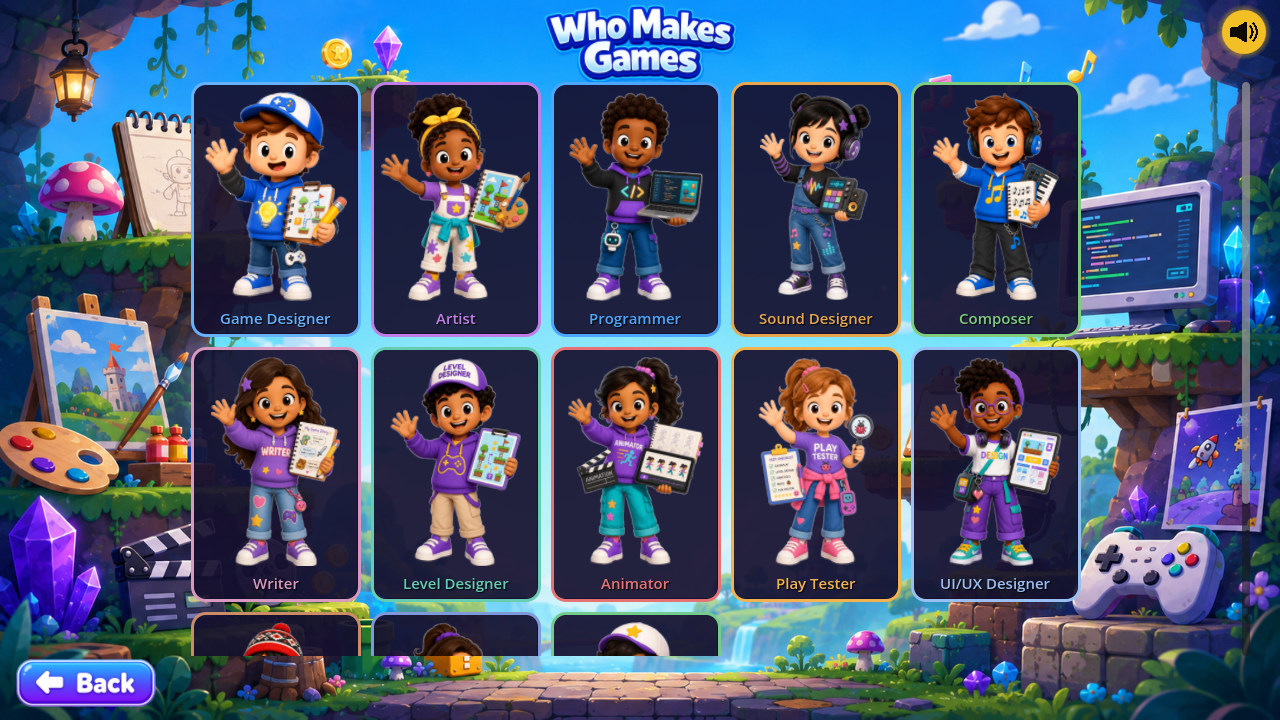
The platform also includes an interactive learning section covering:
- How games are developed
- The different people who make games
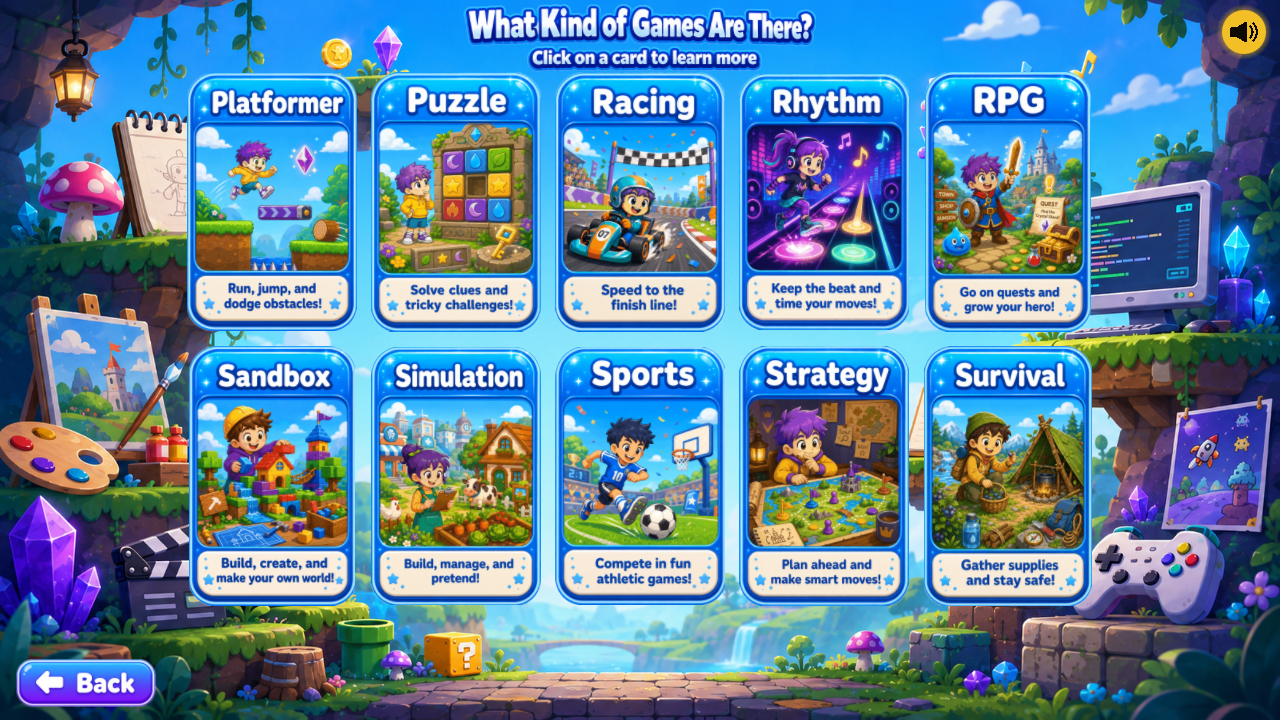
- Common game genres
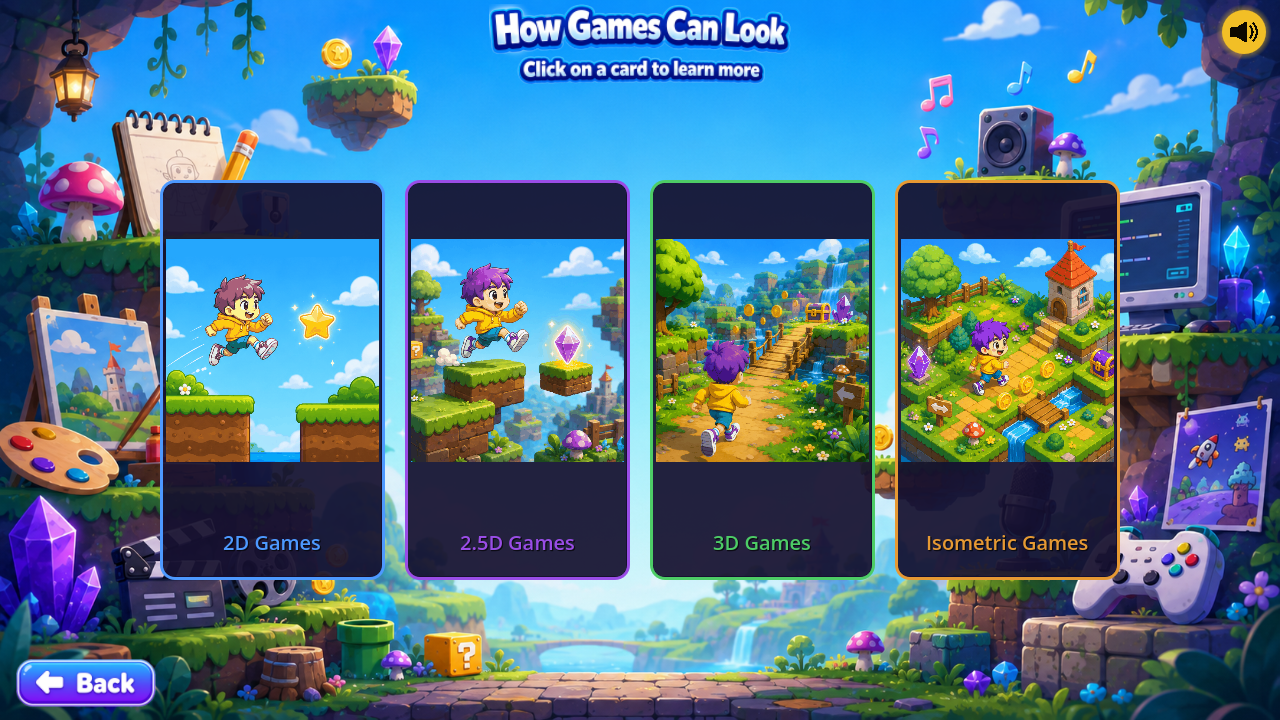
- 2D, 2.5D, 3D, and isometric presentation
- Game design
- Art and animation
- Programming
- Sound design and music
- Writing and voice acting
- UI and UX design
- Playtesting
- Project management
- Marketing
Game development is much more than coding. Platformer Playground is designed to help students discover where their own interests might fit.
Current Features
- Browser-based level editor
- Drag-and-drop object placement
- Click-to-place support
- Narrated onboarding
- Touchscreen controls
- Character selection
- Platforms and moving platforms
- Enemies with adjustable behavior
- Collectible crystals
- Hazards and decorations
- Object resizing and rotation
- Duplicate, flip, delete, undo, and clear tools
- Playtesting directly from the editor
- Level saving and importing
- Share codes and QR-code sharing
- Level-name filtering
- No student email address required
- No student account required for the planned classroom version
Controls
Keyboard
- Arrow keys or A/D: Move
- Space: Jump
- Escape: Pause or return
Touchscreen
On-screen movement and jump controls appear automatically on supported touch devices.
Prototype Testing
This itch.io page currently hosts a development build for testers, educators, curriculum professionals, and project partners.
Platformer Playground is still being expanded, and some features, grade-band tools, and worlds are currently under active development.
Helpful Feedback
Feedback is especially helpful regarding:
- Anything confusing
- Features that do not behave as expected
- Difficulty using the editor
- Device or browser problems
- Tutorial clarity
- Ideas for additional mechanics
- Whether the level-building process feels engaging
More Worlds Are Planned

Future worlds will introduce additional visual themes and game mechanics, including environments built around concepts such as:
- Bounce pads
- Slippery movement
- Keys and locked doors
- Falling platforms
- Low gravity
- Different collectible systems
- New enemy behaviors
- New environmental hazards
Planned world themes include:
- Pirate Island
- Robot Factory
- Dinosaur Valley
- Underwater Kingdom
- Space Station
- Haunted Castle
A Creative Learning Environment
Platformer Playground is the beginning of a larger creative learning environment where students can explore game design, logic, art, animation, sound, teamwork, and eventually engineering systems.
The goal is to give students an approachable place to begin, help them understand how games are made, and inspire them to continue into professional tools such as Godot, Unity, Unreal Engine, Phaser, art software, audio tools, animation programs, and programming languages.
Students do not simply play a game. They learn how to design one.
Development log
- Sandbox Mode20 days ago
- Initial Testing Launch22 days ago
Leave a comment
Log in with itch.io to leave a comment.